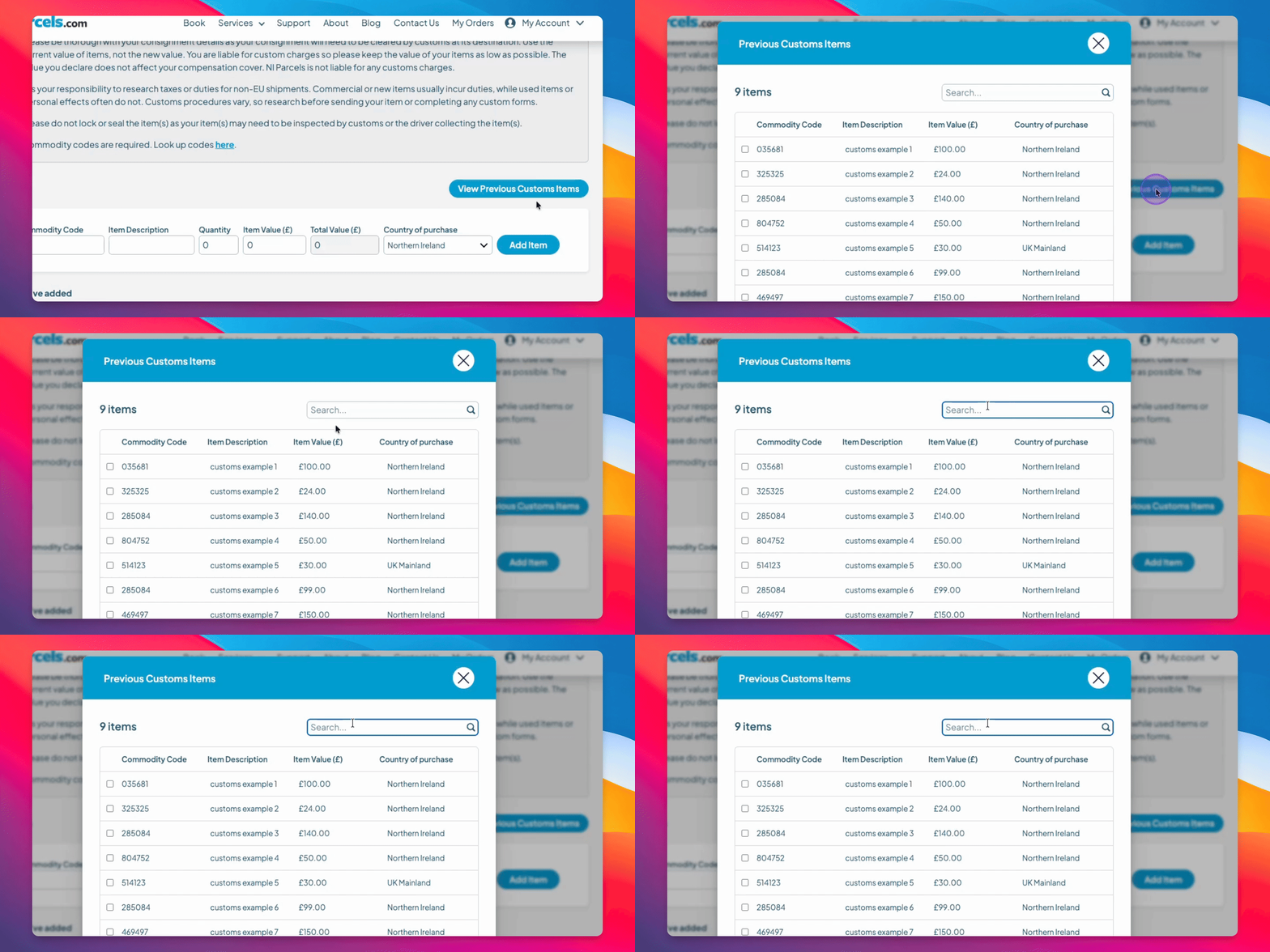

How do I use this?
Step 1: Access Previous Items
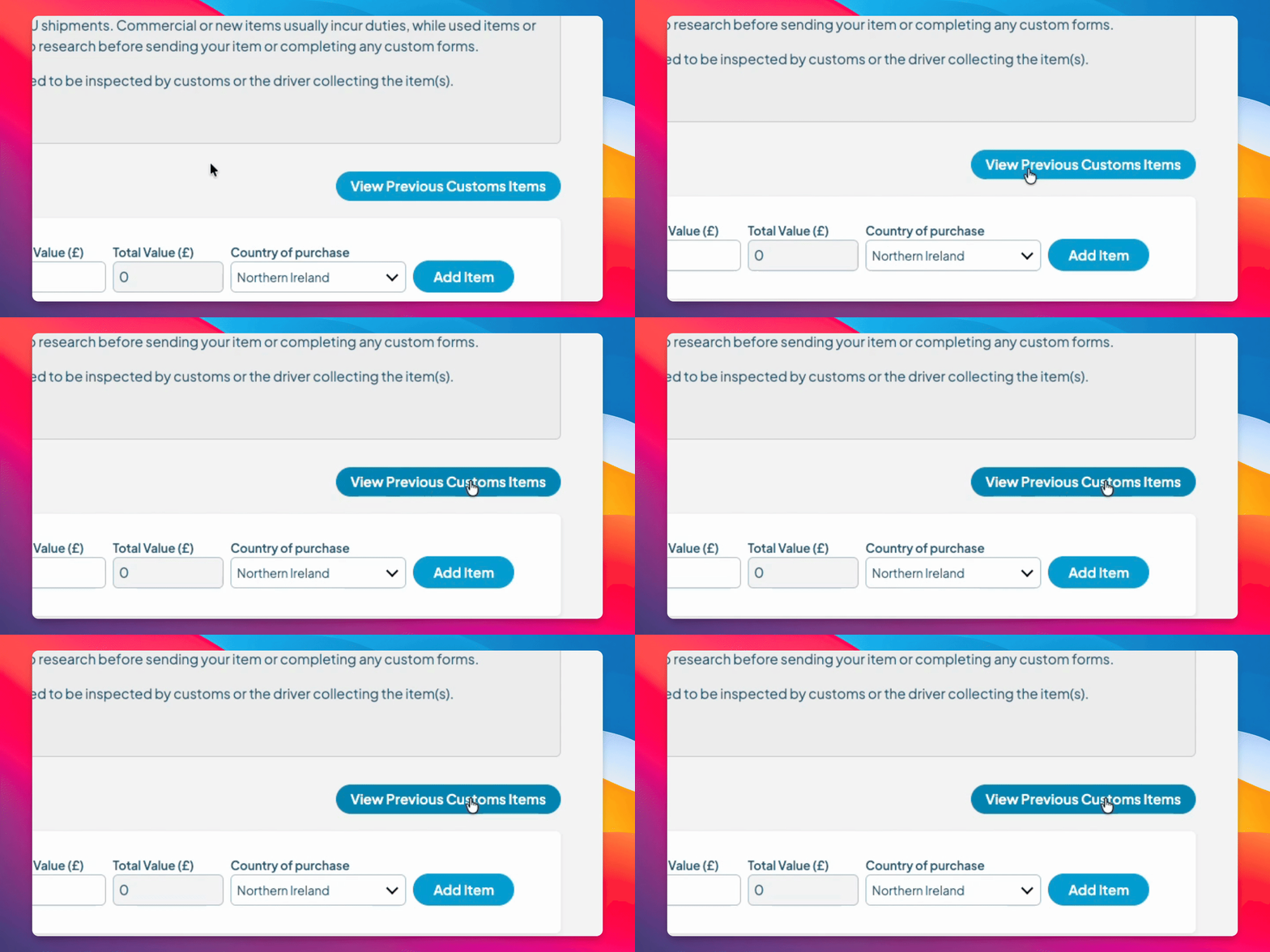
While completing your Customs form, click View Previous Custom Items to access your past items.
You will see a list of the 40 items recently sent with Irish Parcels.
This will only work if you have previously used Irish Parcels to send a parcel internationally where customs were required.
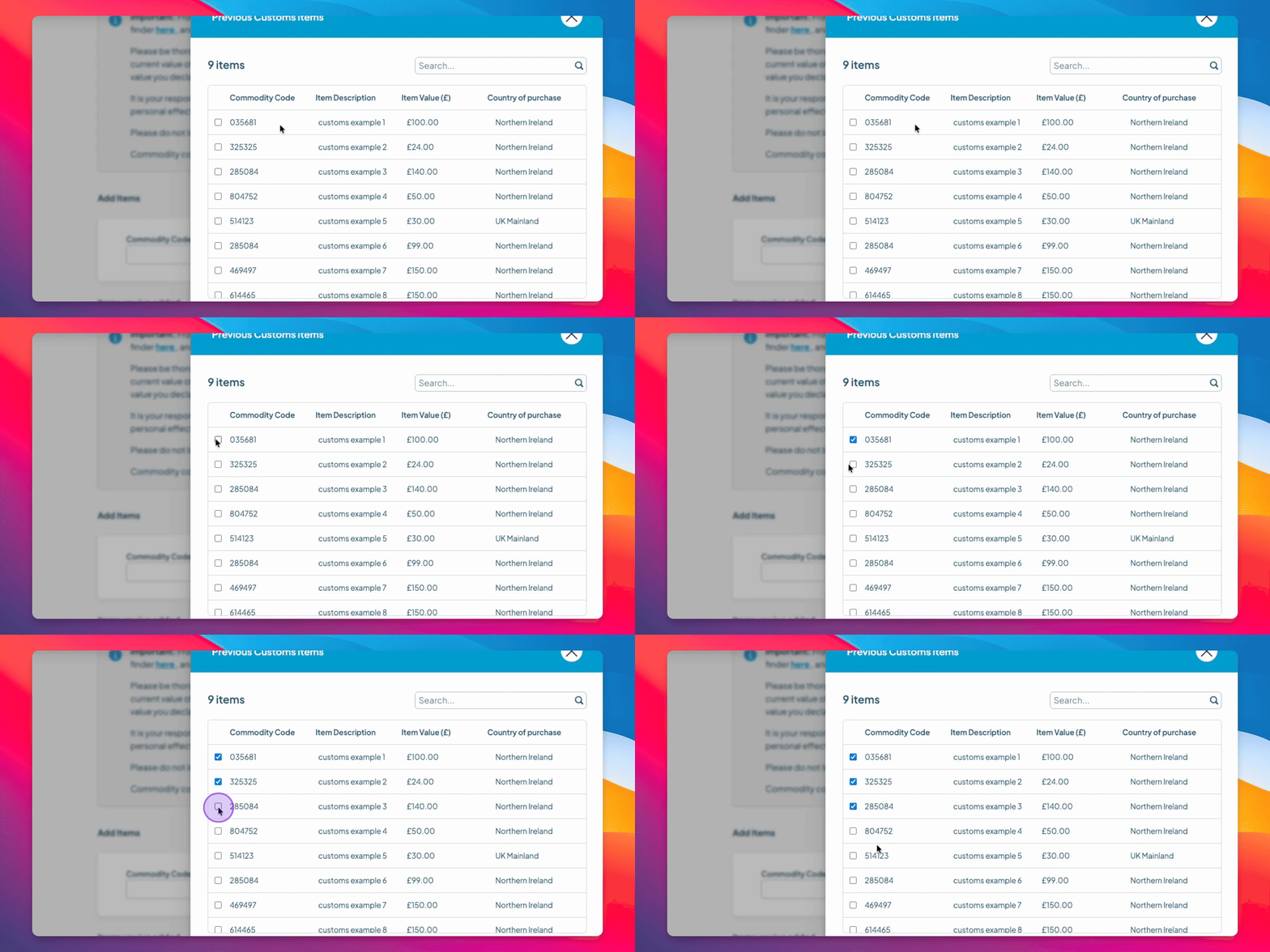
Step 2: Select your
To add an item to your current Customs form, click the box beside the item.
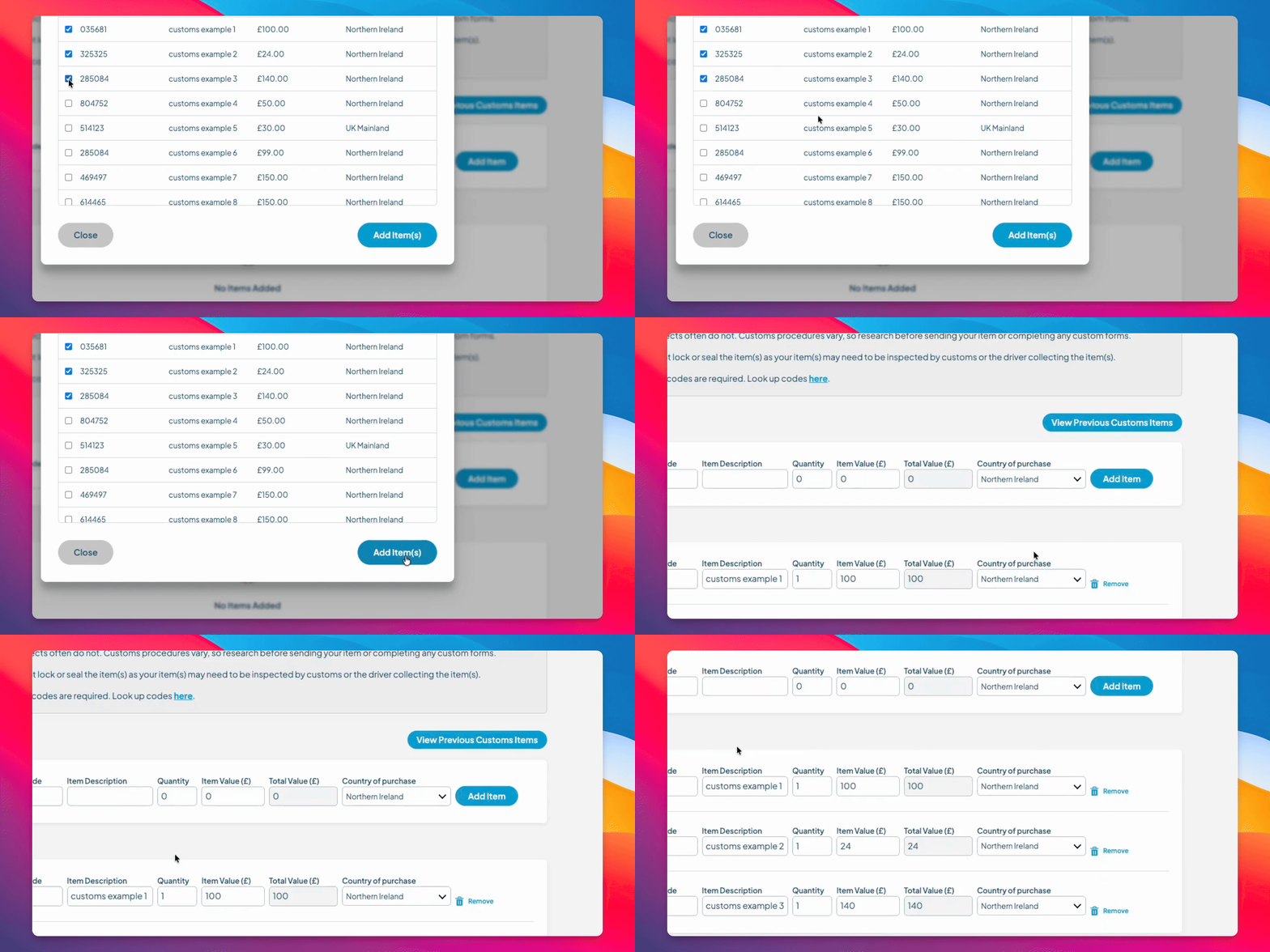
Step 3: Add Selected Items
Click Add Item to include it in your Customs form.
The selected items are added to your Customs form.
Step 4: Search for Items
You can search for previous items by using the Commodity code, description, value, or country purchased.